



When our homemade coffee tastes fantastic, we often wish for one thing: to prepare it the same way again, for ourselves and those around us. But preparing coffee is a interplay of many factors, and it's not so easy to master an espresso shot or a filter coffee brew in exactly the same way twice.
Some home baristas help themselves with a notepad, some freestyle from time to time, and more and more are using Beanconqueror. Beanconqueror is the app of German developer Lars Saalbach. He makes Beanconqueror available to the coffee community for free, continuously develops the app, and is exemplary in terms of data protection and transparency.
We are enthusiastic about Beanconqueror and have now used the app several times in videos. In this article and the accompanying video, we introduce you to Beanconqueror.
By the way: if you want to import the information about our coffees into the app, you can now do so very easily using a button. You'll find the buttons integrated on many of our coffees.

In a nutshell - what is Beanconqueror?
Beanconqueror is available as an app for Android and iOS. The app allows you to track almost all variables of a coffee shot. Whether brewing method, beans, grinders, scales or pressure sensors, and much more; everything can be entered or even integrated into Beanconqueror.
Integrated means that we can connect many Bluetooth-enabled scales, thermometers and even refractometers or pressure sensors (linkable with e.g. Faema E61 brewing groups, the Flair or Cafelat Robot) with the app. These are displayed to us as a graph during the brew. We don't have to do all of this, but a connected scale unlocks many interesting possibilities.
Beanconqueror not only has an incredible range of functions, but is also very flexibly customizable. For example, you can use the app as a flavor database for cupping results, as a recipe book, as a tool to compare brewing devices or grinders, and even as a green coffee archive as a home roaster. The uses for the app are limitless. And the best part: the app is constantly being developed further. Curious?
Let's dive in and look at different usage methods.

Recording filter coffee shots
We're brewing filter coffee. We've already set up the grinder and brewing method beforehand, as well as the coffee to be brewed. They are now available for selection. We enter the brewing temperature, note the grind size, quickly check if the scale is connected, and press the start button when brewing begins.
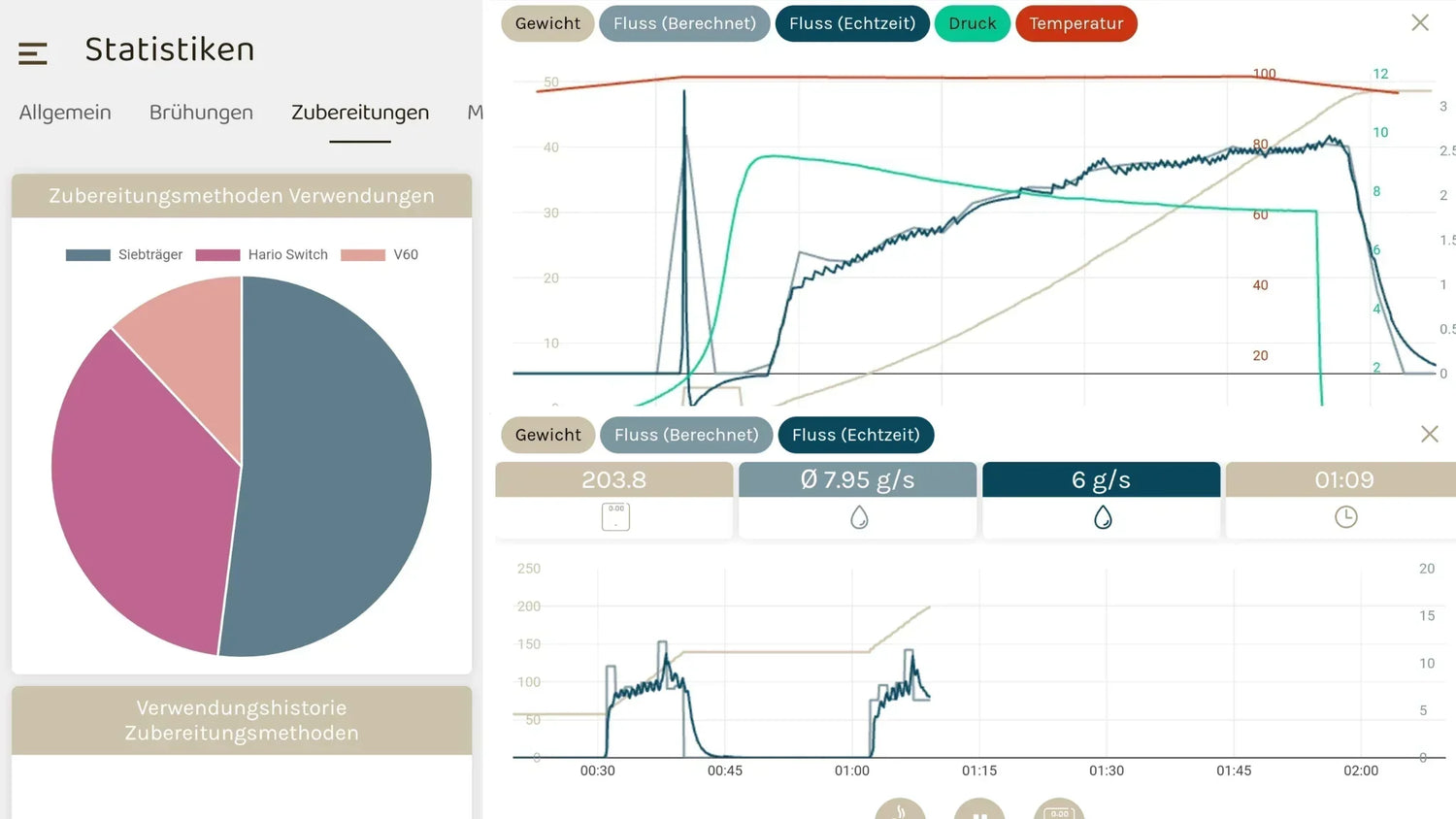
We pour the water for the bloom. Thanks to the connected scale, the amount of water poured is visualized in real time. Besides the time and weight, we see the real-time flow as well as the calculated flow. These graphs can also be disabled in the settings.
If desired, we mark the first drops and the end of the bloom with a button. The brew continues until the target amount. When the dripping ends, we stop the timer.
If you want, you can now add a note and rating of the coffee. In the parameters, many other options can be activated, such as saving the TDS, photos, or the actual beverage amount. Was the brew your favorite? Then save it as such and find it again quickly in your brew archive.
Recording espresso shots
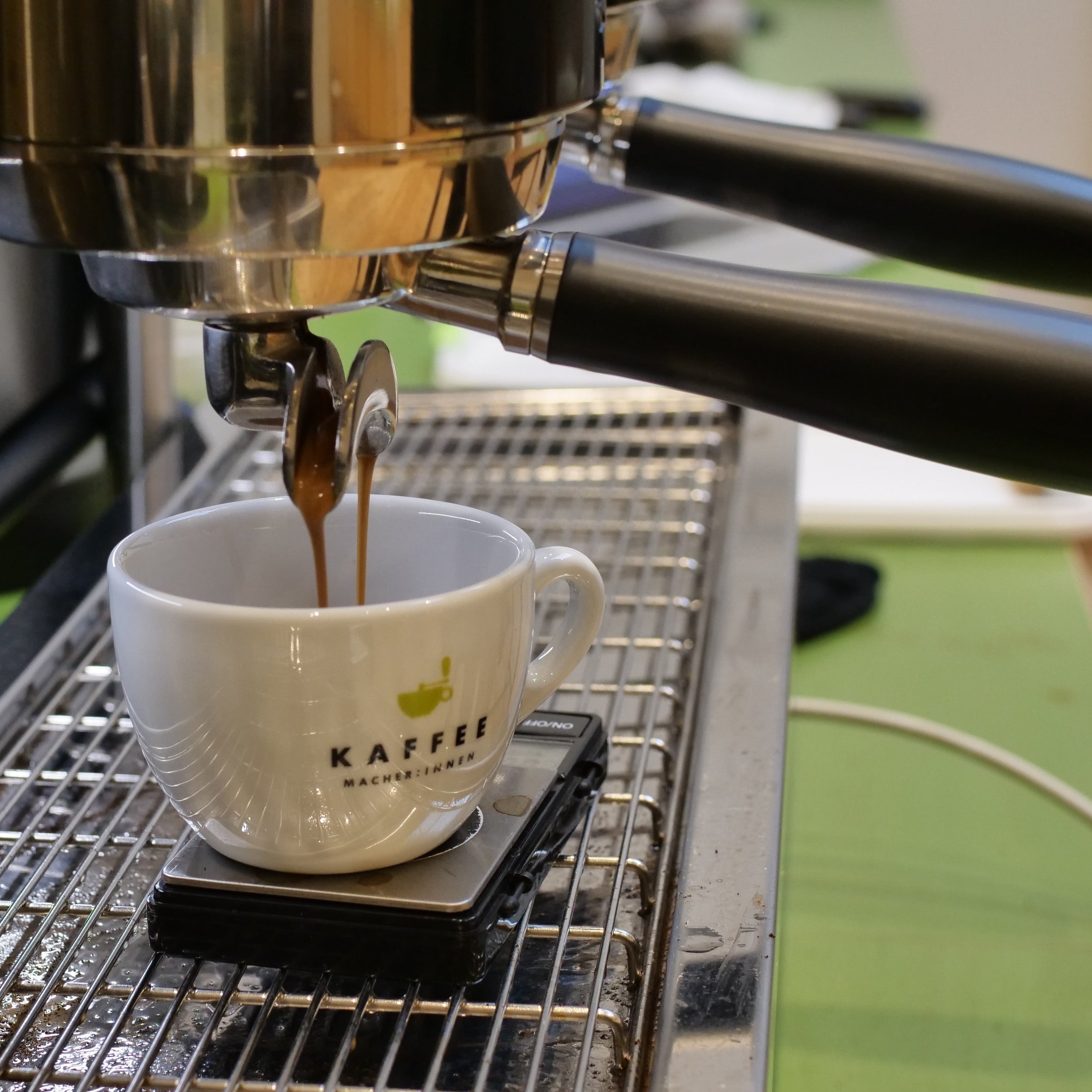
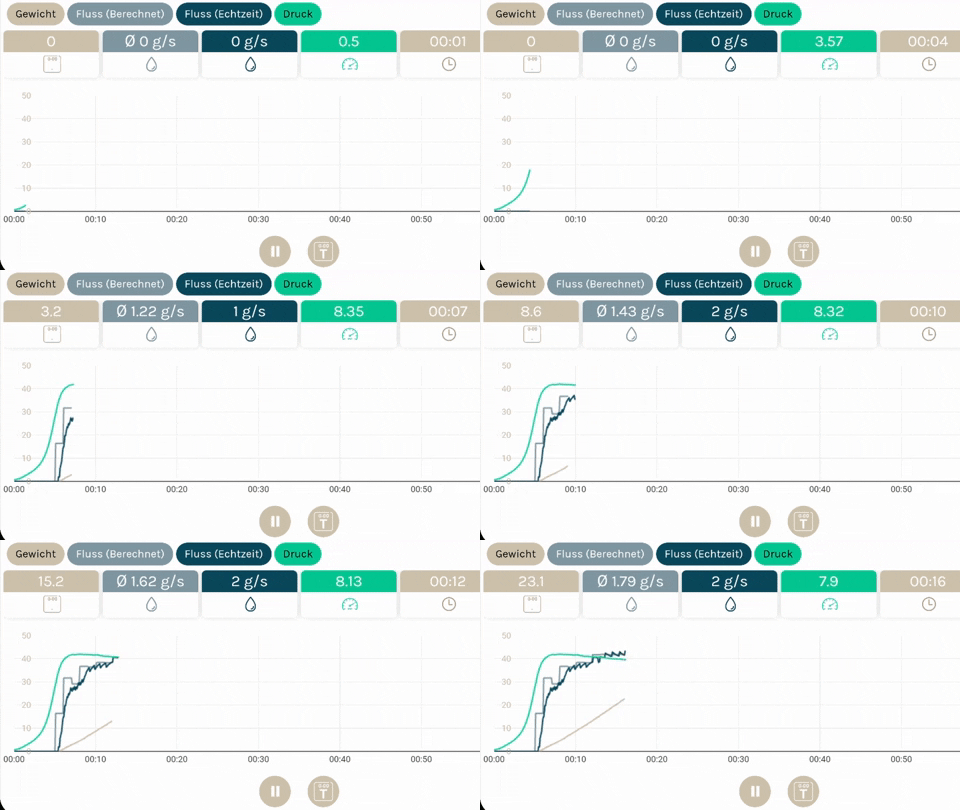
Instead of the filter coffee method, we select a portafilter. Our input window changes and Bluetooth-connectable pressure gauges are connected in addition to the scale. These create a new option: we can automatically start the shot when a definable pressure value is reached. Of course, we can also continue to start the shot manually, capture the first drop and the end of a possible bloom by hand.
The graph now displays a pressure curve in addition to the weight on the scale. With espresso, we can also have the brew stop automatically via the scale when, for example, a minimum flow of 0.1 g/s is reached.
And it gets even more impressive. If you have Bluetooth-enabled temperature controllers like the ThemaQ Blue or BlueTherm from ETI Ltd, you can even include temperature curves. Naked Portafilter offers a corresponding adapter that allows both the pressure sensor and the thermometer to be connected to the Faema E61 and similar machines. That's simply brilliant!

Functionality and flexibility
Shot recording is the heart of the software, but the range of functions goes much further. The app is flexibly customizable. You choose for yourself which functions and input options you want, if needed also by preparation method.
Is water important to you? Then you can unlock a water database and track water in addition to grinders and filter methods.
Do you want to save the Free On Board (FOB) or Farmgate price of your coffee? Then you can enable that. You log and save what you want. Nothing more and nothing less.
You design your views, interfaces, and workflows according to your preferences.
Open Source, transparency, and data protection
In terms of transparency and data protection, the app is exemplary. When we thought about our CO2 calculator for roasteries, Beanconqueror was an inspiration source in this regard.
It is transparently shown which data is tracked, how the app is financed or what financial expenses arise. Lars and the supporting developers also openly share the complete source code.
Want to support Beanconqueror? You can do so here.

Supported tools
We're currently testing various Bluetooth-enabled devices, and so we've also read through the lists of supported devices in Beanconqueror. There's quite a lot going on, and it's not to be underestimated what Lars and a small open source support community are accomplishing here.
In fact, every Bluetooth scale and every interface must be integrated individually. And while common sense would suggest that all scale manufacturers should celebrate this, some behave rather ignominiously by not supporting open systems or even actively putting obstacles in their way. Unfortunately, Acaia must also be mentioned at this point as the global market leader when it comes to Bluetooth coffee scales.
What is currently supported?
Scales
- Decent Scale
- Acaia Scales
- Felicita Scales
- Hiroia Jimmy
- Skale 2
- DiFluid Microbalance
- Smartchef Scale
- Blackcoffee.io
- Eureka Precisa
(As of September 8, 2023) There are always updates. It's best to check directly in the app to see which additional scales have been integrated.
Pressure gauges
- Pressensor
- Smart Espresso Profiler
- Popsicle - Do It Yourself
Other
- DiFluid R2 Refractometer
- ETI Ltd Thermometer (ThermaQ Blue)
Bean storage and statistics
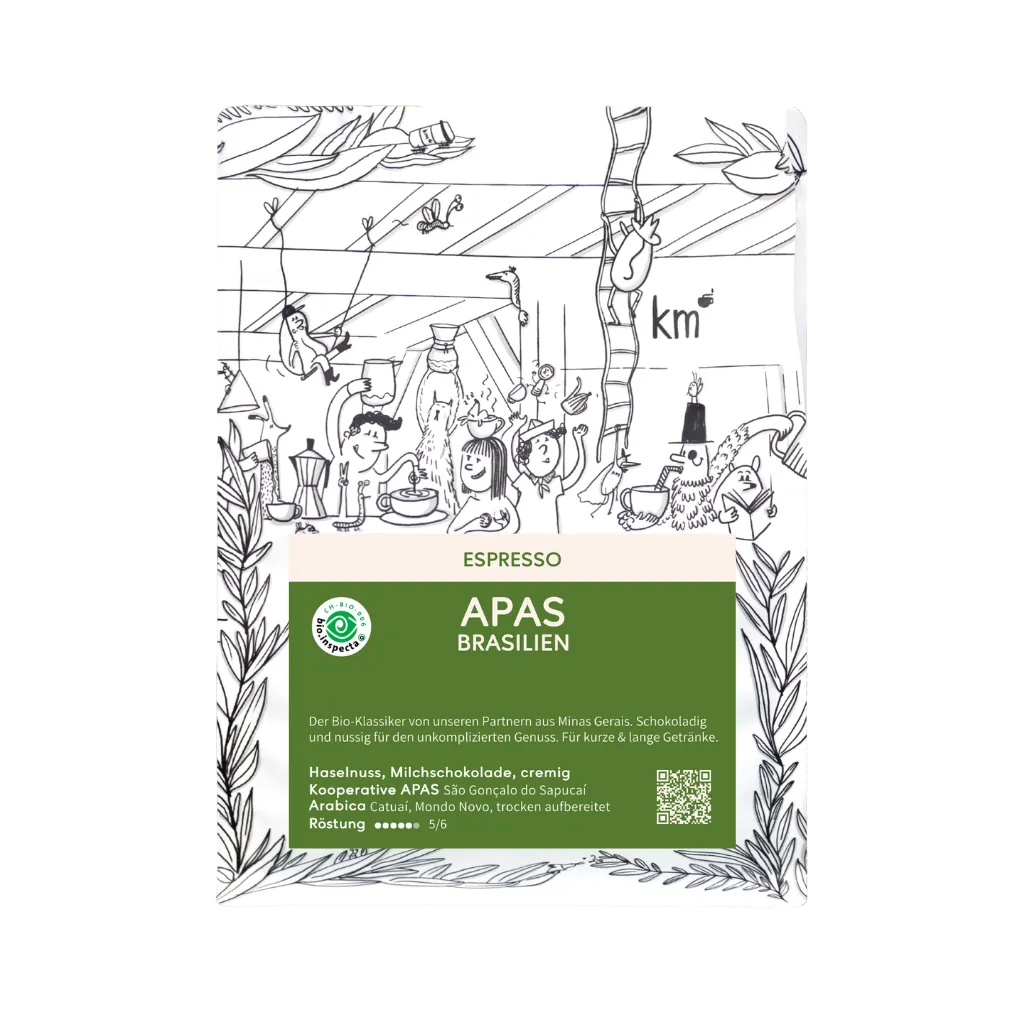
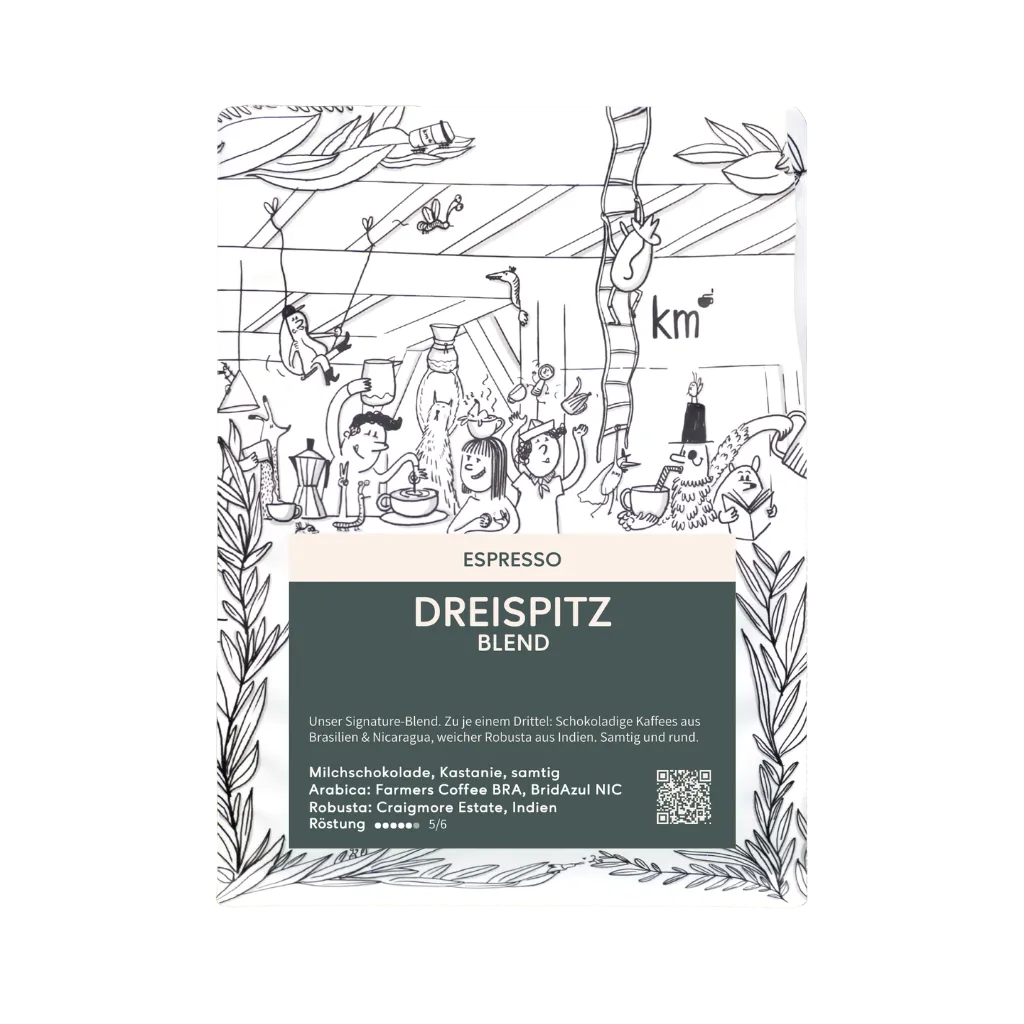
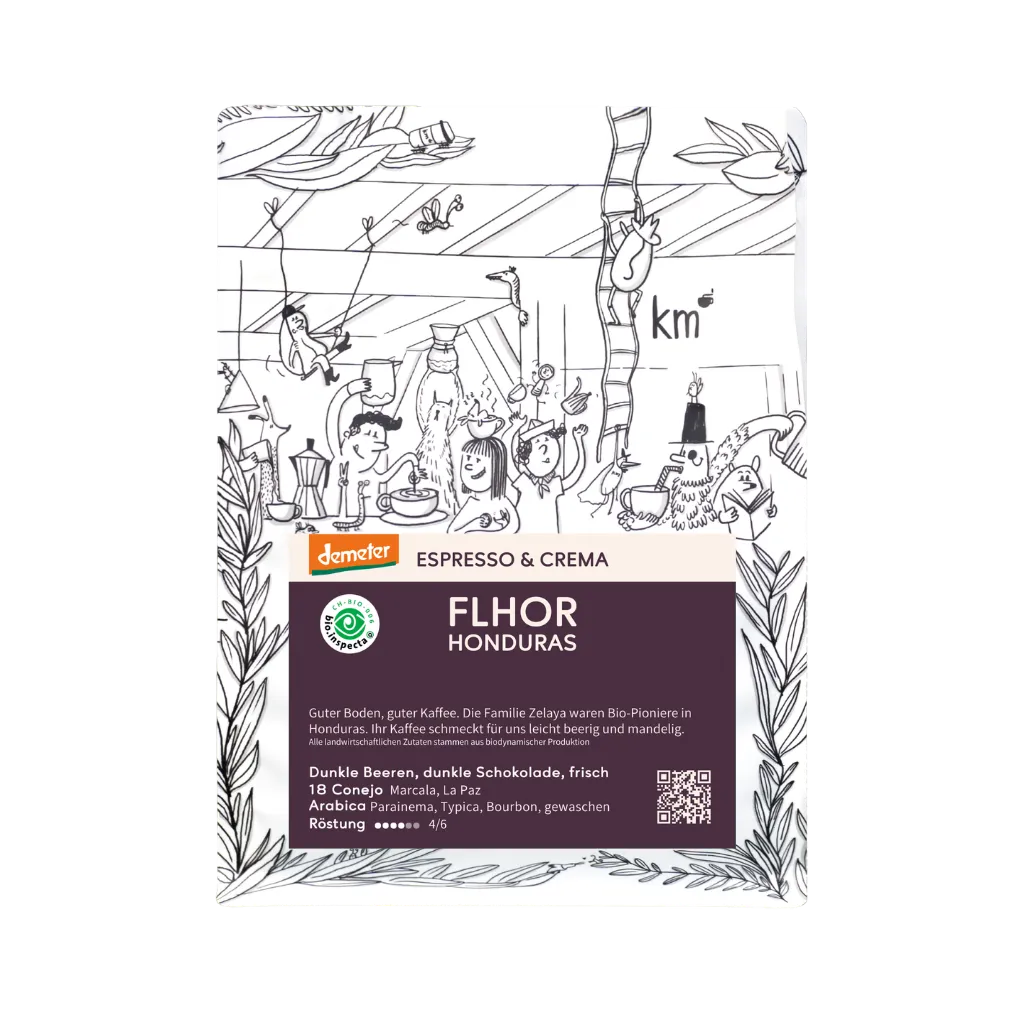
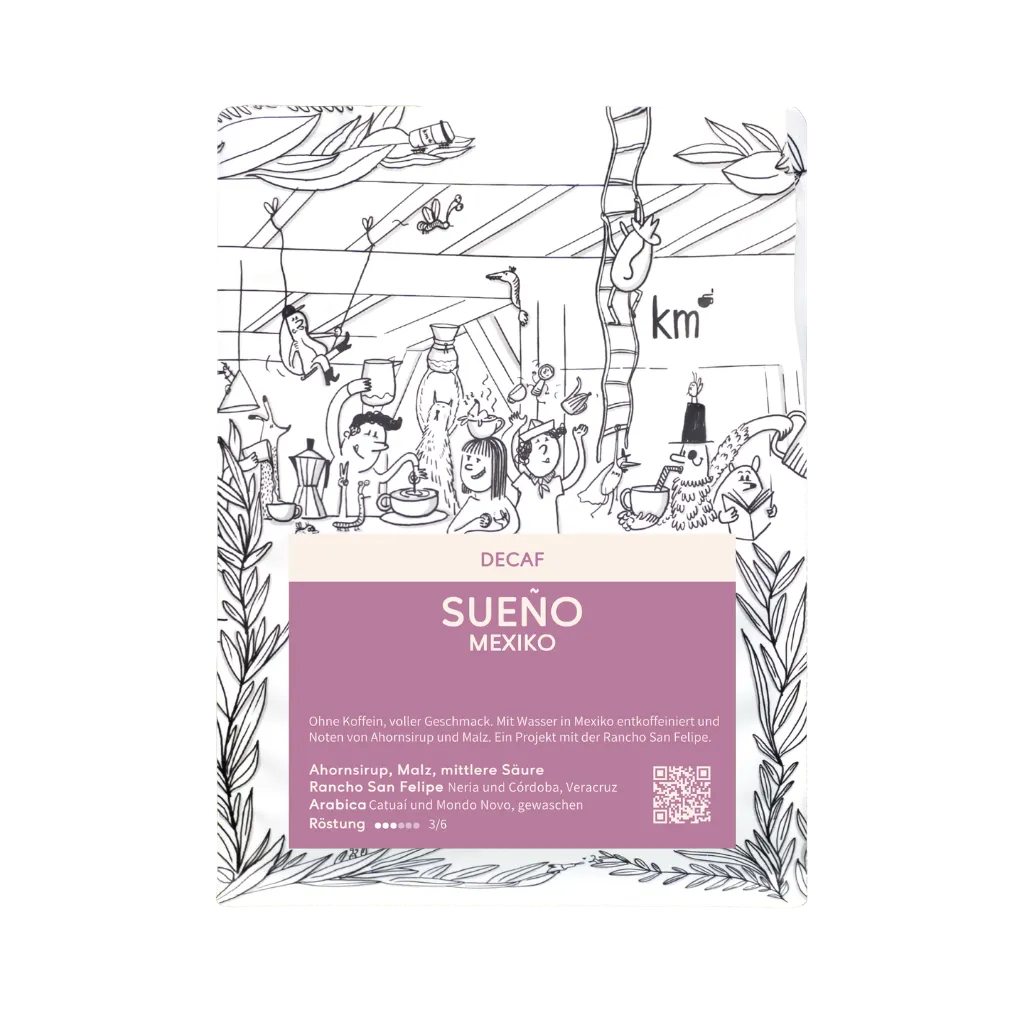
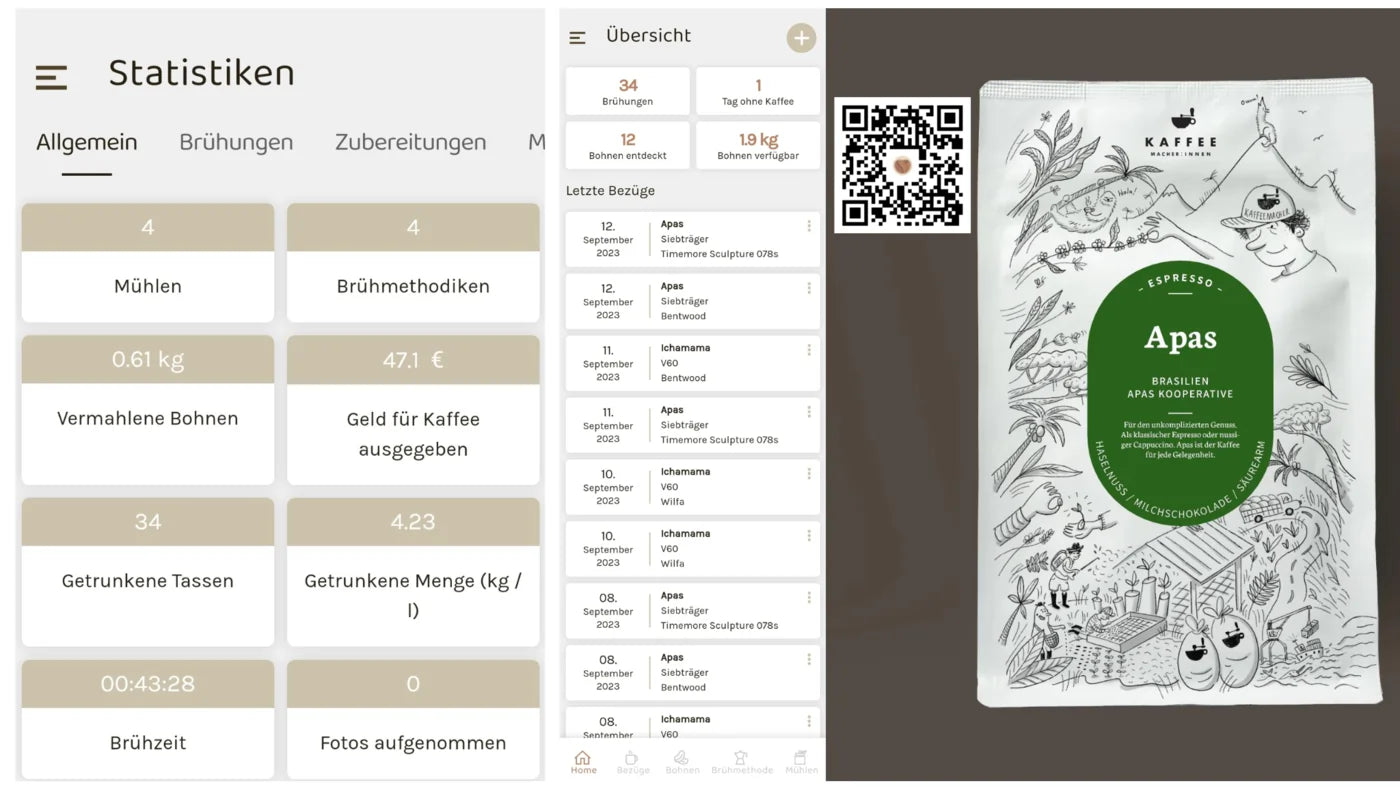
Beanconqueror can also be your bean storage. You can add beans or import them from roasteries that support Beanconqueror. In our case, you can import the bean information from the website. Some roasteries even have a QR code printed on the bag. That's practical too.

Once you've scanned the beans and entered the amount, Beanconqueror tracks the consumption and shows you how much of that coffee you have left. All of this fills your personal consumption statistics. How much coffee have you ground? How long have you brewed in total? How much money have you spent on coffee…
If you'd rather not know, you don't have to look at these numbers.
Thanks to our Lelit Bianca test, my portafilter use has certainly increased significantly and has displaced the V60 and Hario Switch from my personal top list, Beanconqueror says.
Currently, the following roasteries have entered information into Beanconqueror:
- Us 😉 (in the German and Swiss shop)
- The Coffee Board
- Onoma Coffee
- Max Hase
- Roestbar
- Van Gülpen
- Good Karma Coffee
- Hoppenworth & Ploch
If we've forgotten your roastery, please comment below this article so we can update the list.
Conclusion and thanks
Beanconqueror is a really great tool. A super instrument that makes brewing easier and at the same time opens up a large playground for us. All of this for free, securely, and with short lines to the developer, who offers direct support on Discord, via email, on Telegram, and in English and German coffee forums.
Beanconqueror is a great enrichment and a gift to the entire coffee community. We want to say thank you for this and look forward to exploring the app further and presenting it in more videos.
We're just getting started with Beanconqueror. At the same time, the app continues to develop so dynamically and takes impulses from the community that we're pretty sure there's more to come. In that spirit… bring on more, and thank you Lars.

PS: We've exported the first espresso shots from Beanconqueror and loaded them into the Visualizer, which can also archive Decent espresso shots. Another tool we'll take a look at.