








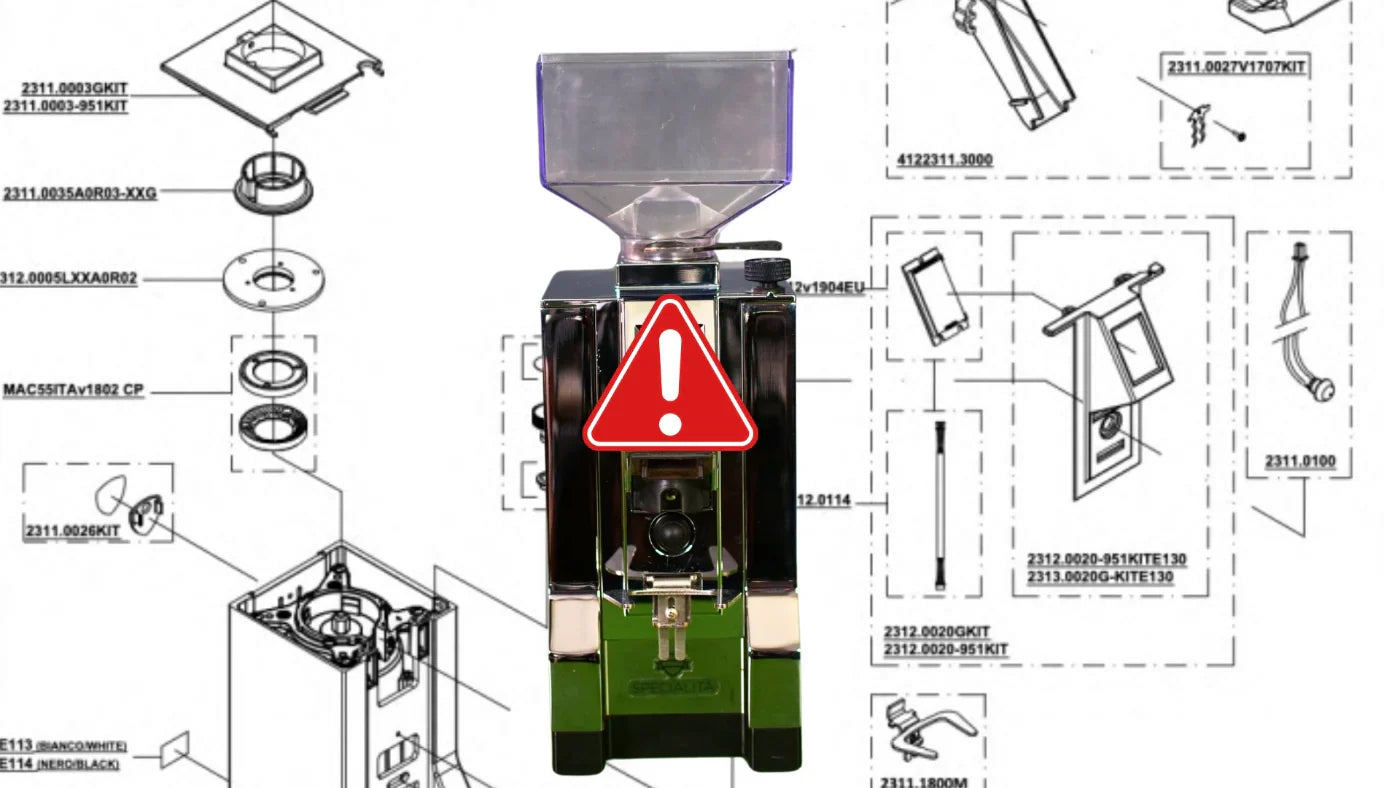

Eureka grinders – especially the Mignon Specialità – are bestsellers on the coffee market. We also tested the grinder a few years ago and gave it an overall positive rating. But the grinder does occasionally cause problems. This article focuses on one such issue.
I became aware of it because Chris from Kaffeepod pointed out a recently recorded episode with Johannes. And the two shared a problem: the touchdisplay on their Eureka Mignon Specialità had given up the ghost. Replacing the display provided a solution. But the error occurred again. While Chris replaced half the grinder, Johannes investigated on the software side.
In this blog post, you'll learn what the problem looks like, how Johannes was able to solve it, and why Eureka itself absolutely needs to take action here.
Thanks to Chris and Johannes for your work and documentation of the problem and solution. The blog posts and podcast are all linked below.
The Problem: When the Timer Won't Cooperate
The Eureka Mignon Specialità – like many models in the Mignon series – is equipped with a touchdisplay that allows you to set the grinding times (i.e., the seconds for the timer). Normally, two timer profiles are offered (e.g., "single shot = one cup" and "double shot"), which can be set independently of each other. However, some users experience a recurring problem sooner or later:
- Suddenly the familiar timer is missing the leading zero, or only a very small range of seconds is displayed (for example, 0 – 9.9 seconds).
- The actual timer duration no longer matches the numbers on the display. For example, the grinder grinds much longer than it should according to the display.
- Sometimes it affects Timer 1, sometimes Timer 2. The other timer usually continues to work correctly.
- For many affected users, only a display replacement helps – but eventually the problem occurs again.
While some Mignon users never hear of this error, it cuts deep into the patience of others: the displays fail again and again within or outside of warranty, and for most retailers or even the manufacturer itself, the supposed "solution" is simply to replace the display. This keeps you functional for a while, but in the long run it's obviously frustrating – not to mention the unnecessary e-waste and associated costs.
The Investigation: Johannes' Firmware Analysis
Chris from KaffeePod was one of those affected whose display failed multiple times. After the third failure and plenty of frustration, the grinder was finally shelved for a while. Johannes had a similar experience: first, his replacement display served him well for a time, until the new panel suddenly exhibited exactly the same error.
At this point, Johannes, who works professionally in IT security, decided to investigate more intensively. He opened his grinder, examined the installed electronics, and stumbled upon a microcontroller – a small chip that runs the actual control software (firmware). Using a simple programmer available at electronics retailers, he was able to read the firmware of his defective display and was amazed:
- On all displays – whether new or old, functional or defective – the same firmware version was present (labeled as "Firmware 1.0").
- The only difference between defective and functional displays was 24 bytes in a memory area where user settings (e.g., timer lengths, counter readings) are stored.
As soon as Johannes reset this memory area back to the "factory setting" (essentially a reset), the display worked again like new. It's not guaranteed that this will completely and permanently solve the problem. But at least you can restore a defective display to working condition without an expensive replacement, and e-waste is avoided.
Why is This a Firmware Problem – and What Does It Mean?
The experiences show:
- The rest of the grinder's electronics (capacitors, power supplies, circuit boards in the base, etc.) can be ruled out in many cases – numerous users have already tried and replaced everything there.
- When you restore the memory area where the timer data is saved to "factory condition," the grinder runs.
- A pure hardware failure (such as a loose contact on the touchpad) therefore cannot be the main cause if at the same time these 24 bytes in memory are "corrupted" and the timer then malfunctions.
All of this strongly indicates a software problem that can occur on the Specialità as well as on other Mignon variants (e.g., Brew Pro, Design, Perfetto, and many more), as long as the same touchdisplay or the same firmware is installed. To date, there is no official new firmware version that would fix this problem.
The Result of Johannes' "Tinkering": A DIY Solution
On his blog, Johannes has described in detail how to remove the defective display, connect it to a programmer, read the memory, and reset the affected area. (Link to Johannes' blog post on touchscreen repair)
For those technically inclined, this offers a comparatively simple "workaround":
- Remove the display circuit board.
- Read it using a PIC programmer.
- Reset the critical 24 bytes to their original values.
- Write the firmware back and install the display.
The grinder then works again – without having to buy a new touchpad.
Of course, not everyone is willing to take apart the grinder and tinker with microcontrollers. But especially in repair cafés or with tech-savvy friends, it can be done. And given the price of a replacement display and the associated (repeated) hassle, it can be worthwhile.
Why Should Eureka Respond Urgently?
As useful as Johannes' workaround is: it doesn't replace an official solution from the manufacturer. Eureka sells its devices worldwide under very different warranty and service conditions, and typically directs every end customer to contact their retailer.
But even if a defective display is replaced for free within warranty, the core problem remains:
- The problem can (and probably will) occur again.
- Replacing the display produces unnecessary e-waste and ties up resources for both retailers and end customers.
- Affected users are understandably extremely frustrated by the third display at the latest – especially since some only discover they have a defective display again after the warranty has expired.
A Firmware Update Would Be the Solution
The microcontroller memory reveals that really only 24 bytes differ between a functioning and a faulty state. With a targeted update, the critical write and read procedure in the controller could probably be changed so that these errors don't occur in the first place.
Eureka should urgently tackle this development – also in the interest of customer satisfaction and sustainability. When you buy a premium product, you don't want to regularly dispose of the display. And a pure replacement solution along the lines of "just buy a new panel" is neither customer-friendly in the long run nor ecologically sound.
Conclusion: More Sustainability and Customer Satisfaction Instead of Display Replacement
- The error pattern: Timer settings can no longer be changed, the display becomes erratic, and the grinder suddenly grinds for much too long.
- The cause: Most likely a firmware or software error where incorrect data is written to the memory area.
- The solution: Resetting these critical 24 bytes is enough to revive a defective display – without expensive replacement.
- Appeal to Eureka: An official firmware update, instead of constantly replacing displays, would be fair from a customer perspective and long overdue for sustainability reasons.
- If in doubt, go open source: Eureka could, if they don't want to pursue the problem themselves, provide the basics of the code to the coffee nerd community. Then they could find a clean solution so the error doesn't happen again in the future.
The Eureka Mignon Specialità is actually a great coffee grinder: quiet, beautifully designed, with very uniform grounds, low retention, and good-tasting results. It's all the more unfortunate that so many displays are simply replaced and thrown away, when a software fix would be the much more elegant solution.
If you're affected yourself or know someone who is, it's worth taking a look at Johannes' detailed description. Repair cafés can also help, since the electronics are basically easy to access.
Please write in the comments if you're affected and whether you've found a solution or are still looking for one.
Ultimately, though, it's especially up to Eureka to take action and provide users with a permanent update so that the joy of using the grinder doesn't turn into frustration over unnecessary e-waste and constant replacements.
More Links & Sources
Johannes' repair guide on his blog
Discussions on Reddit, Kaffee-Netz.de and other platforms:
- Reddit post on the timer issue
- Kaffee-Netz: Eureka Mignon Specialità touchdisplay defective
- Kaffee-Netz: More Specialità problems